GD Dots

Video Editing & Motion Graphy

Comprehensive Guide to Professional SEO Optimization Strategies

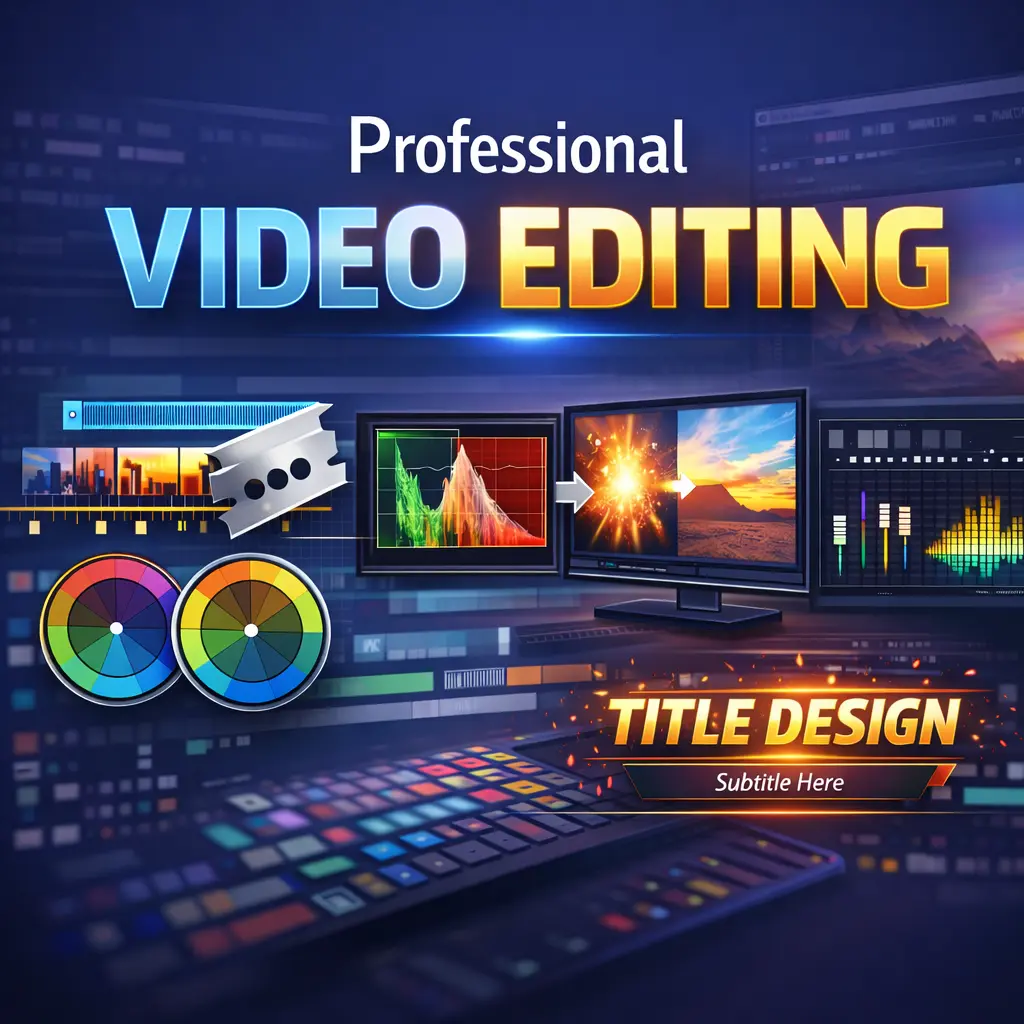
Professional video editing is the process of transforming raw video footage into a polished final video. It includes cutting clips, arranging sequences, adjusting colors, improving audio, adding transitions, motion graphics, and subtitles to create engaging and high-quality content.

Professional video editing helps create visually appealing and engaging videos that capture viewers’ attention. It improves storytelling, enhances production quality, and makes videos more effective for marketing, branding, and communication.

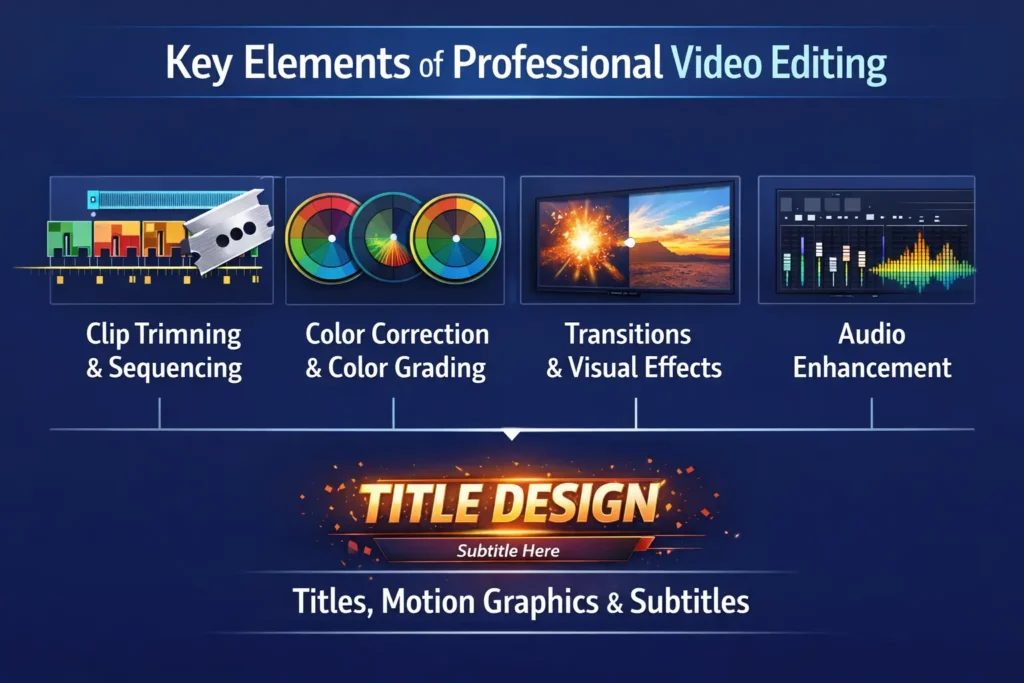
Most professional video editing services include clip trimming, sequencing, color correction, color grading, audio enhancement, transitions, visual effects, motion graphics, titles, and subtitles.

The editing time depends on the video length and complexity. A short video may take a few hours to a day, while larger projects with visual effects and motion graphics can take several days.

Professional video editors work on many types of videos, including corporate videos, YouTube content, promotional videos, advertisements, event videos, documentaries, educational content, and social media videos.

Clip trimming is the process of removing unnecessary parts of footage and keeping only the important sections. This helps create a smoother and more engaging video.

Color correction adjusts brightness, contrast, white balance, and color levels to ensure all clips look consistent and natural.

Color grading is the creative process of giving a video a specific visual style or mood by adjusting colors, tones, and contrast.

Video transitions are visual effects that smoothly move from one clip to another, helping maintain a natural flow in the video.

Yes, professional editing can significantly improve YouTube videos by improving pacing, adding engaging visuals, enhancing audio quality, and keeping viewers interested throughout the video.

Yes, many video editing services include subtitles or captions to improve accessibility and increase viewer engagement.

Professional editors commonly use tools like Adobe Premiere Pro, Final Cut Pro, DaVinci Resolve, and Adobe After Effects for editing and visual effects.

Yes, professional video editors can reduce background noise, balance sound levels, and enhance clarity to improve audio quality.

Audio enhancement involves cleaning up audio, adjusting volume levels, removing noise, and balancing background music with dialogue.

Most edited videos are delivered in common formats like MP4, MOV, or AVI depending on the platform where the video will be published.

Yes, businesses use professional video editing to create marketing videos, promotional content, product demonstrations, and training materials.

Professional editing improves storytelling, visual quality, and viewer engagement, making marketing videos more effective in attracting customers.

A rough cut is the first version of a video where clips are arranged in order before adding detailed edits, effects, and finishing touches.

The final cut is the completed version of a video after all editing, color grading, audio mixing, and visual effects have been applied.

Yes, professionally edited videos perform better on platforms like YouTube, Instagram, Facebook, and TikTok because they look more engaging and professional.

Storytelling in video editing involves arranging clips, visuals, and audio in a way that communicates a clear message and keeps viewers engaged.

Yes, professionally edited videos keep viewers interested with smooth transitions, better pacing, and high-quality visuals.